![[MTR] Shinkansen Infrastructure](https://cdn.modrinth.com/data/ctWkSkY7/80c110cc51d21e9bc2e61fa0b806a1962983f3ab_96.webp)


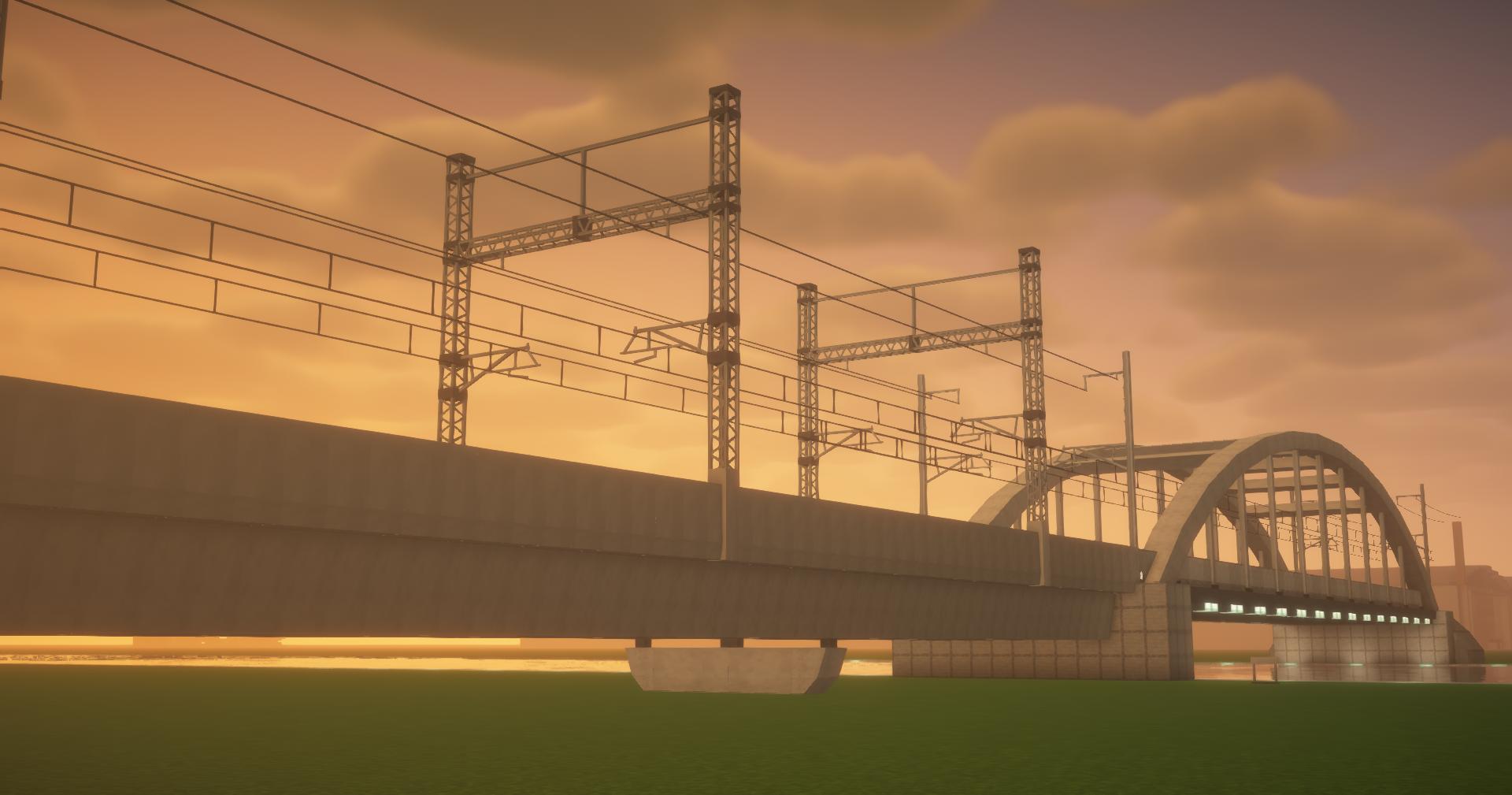
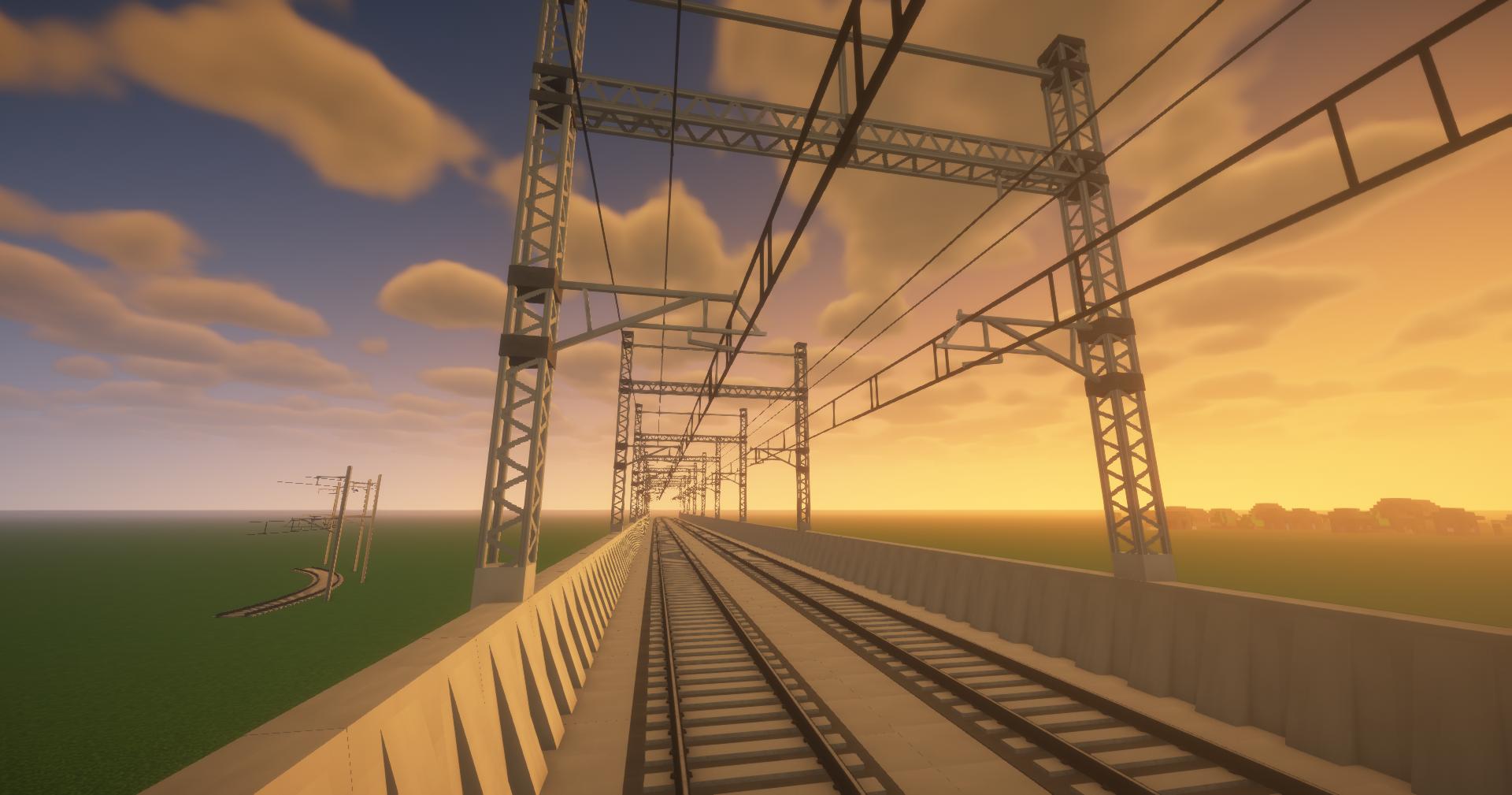
- Added catenary frames :
- HD versions where all the trusses are 3D objects
- LD version where the trusses are a texture drawn on a single mesh
- [to be used with freelength catenary cables + extra cables if you want]
- Added double bridge poles: These only need to be applied on one side of a pair of rails, and will stay together in turns rather than get out of sync.
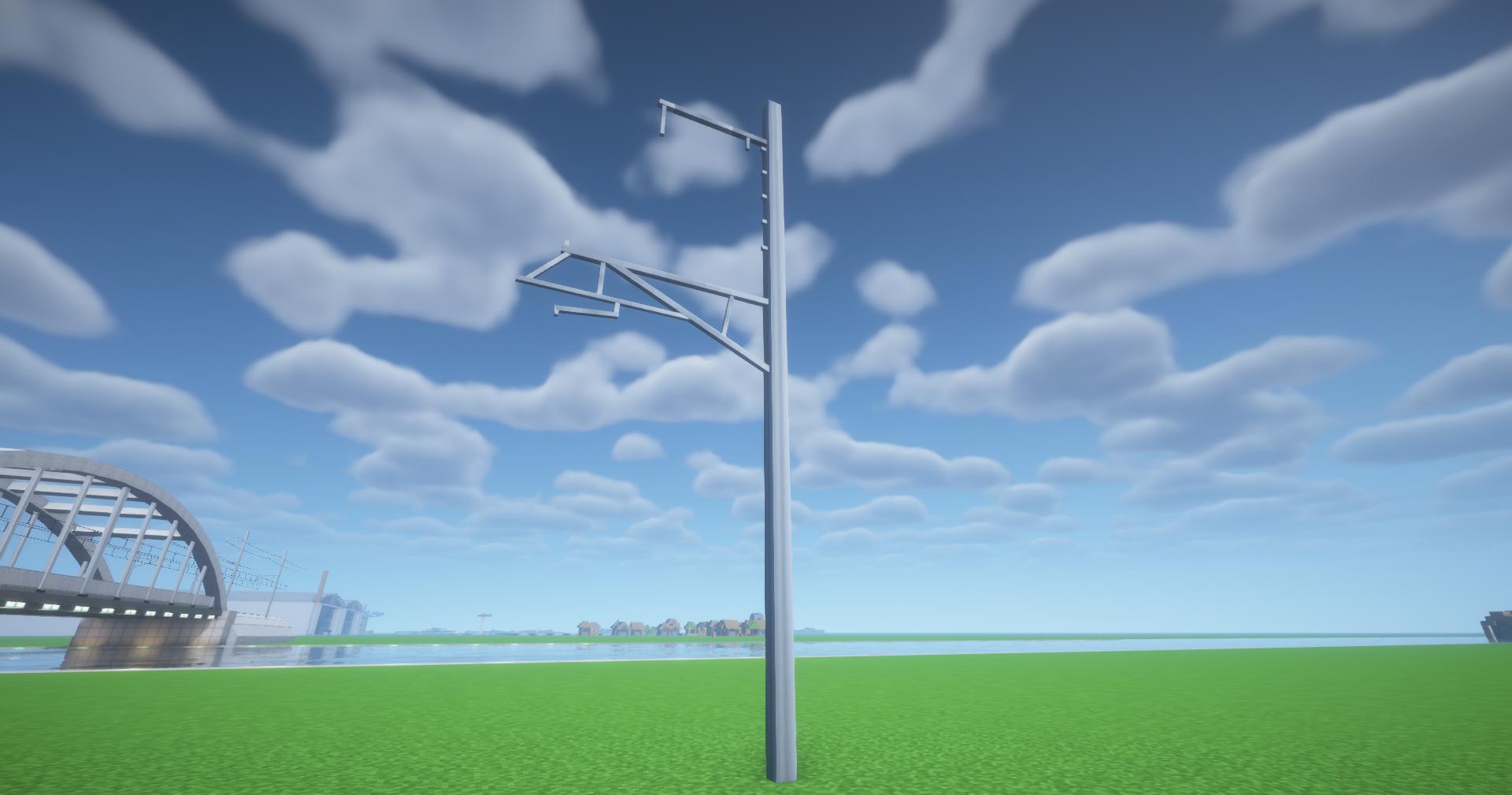
- Added a standalone pole decoration object (should help when the auto placement doesn't cover a certain bit)
- Added a freelength catenary that can cover tight turns (3 block sections instead of 20)
- Added the following pole distances to go with freelength catenary :
- 5m
- 10m
- 20m

The standalone tied-arch bridge is now split into two parts. This is to prevent issues with the bridge disappearing because of Minecraft's occlusion system. This makes setting it up a bit longer, but ensures you can actually go through the bridge and it won't vanish.
Setup :
- End section
- Center section
- Center section
- End section
- Added a standalone Tied-arch bridge.
- This is a decoration object that can be placed by looking up "decoration object" in the inventory.
- Added pillars:
- Two types for the concrete bridge
- One type for the metal bridge

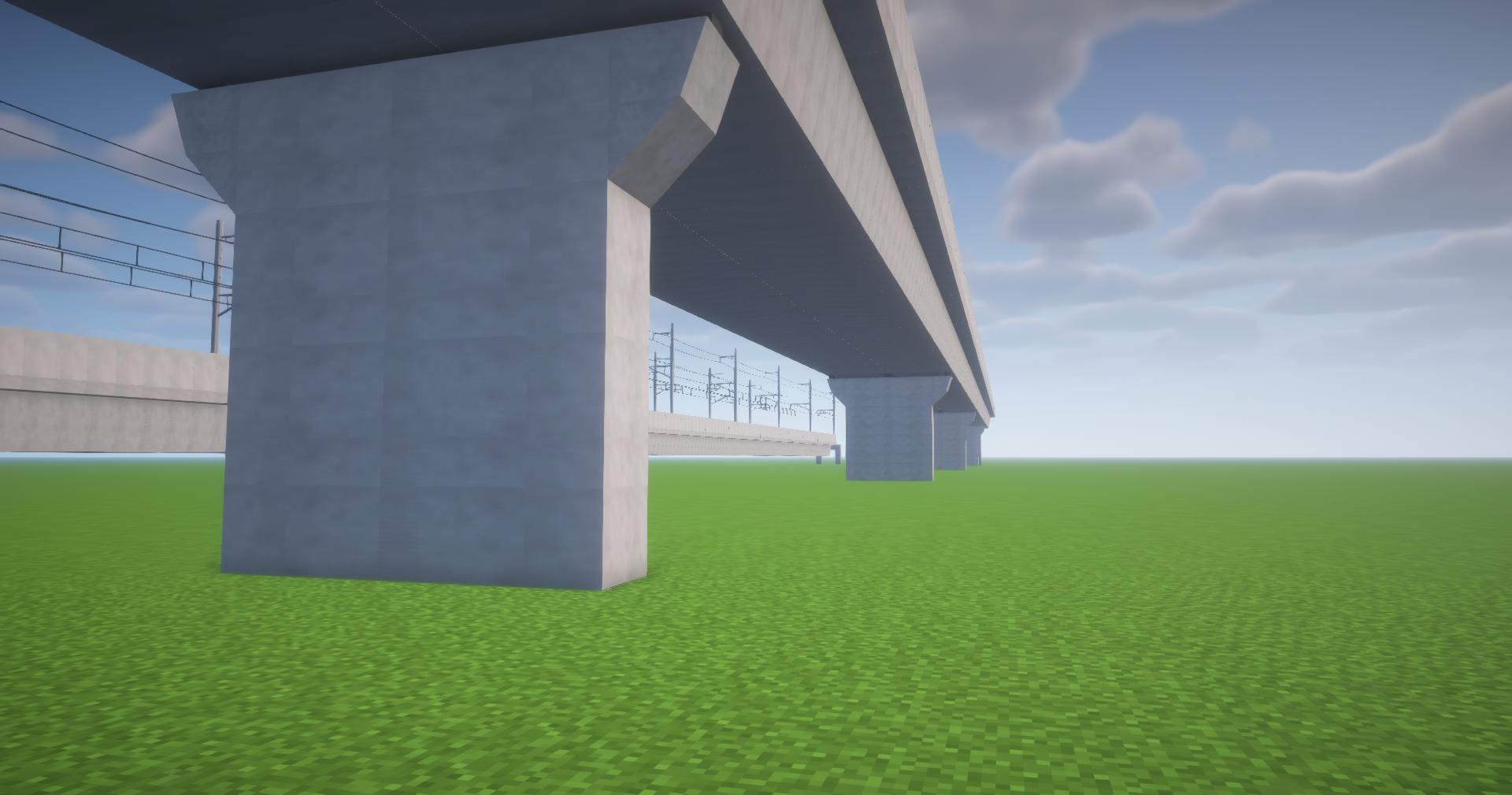


- Raised bridges and tunnels slightly to avoid texture Z-fighting with other blocks
- Added sound barriers:
- Low
- Tall
- Bridge variant
- Bridge curved variant


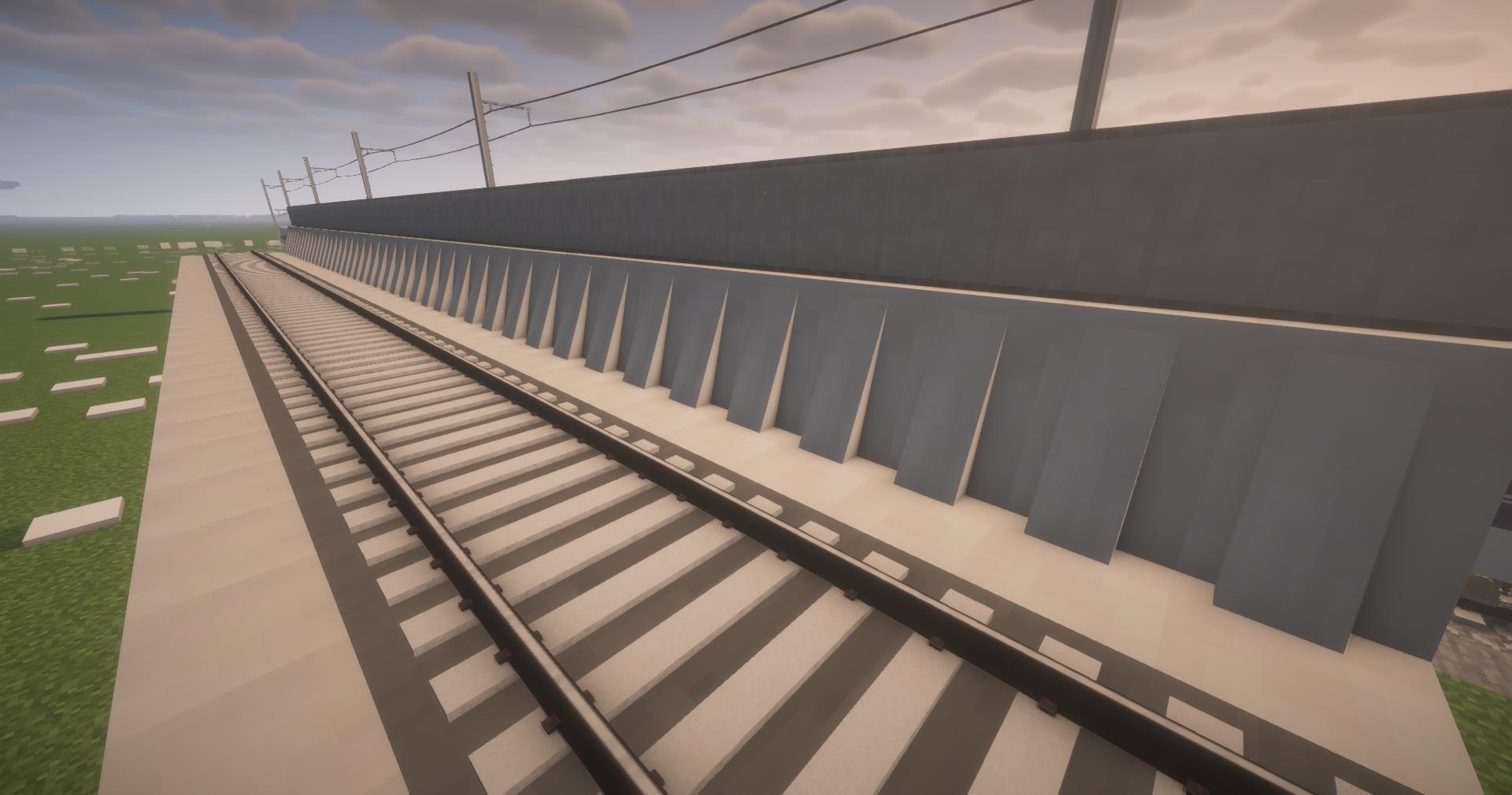

- Added embankments!

- Fixed the concrete bridge not appearing
